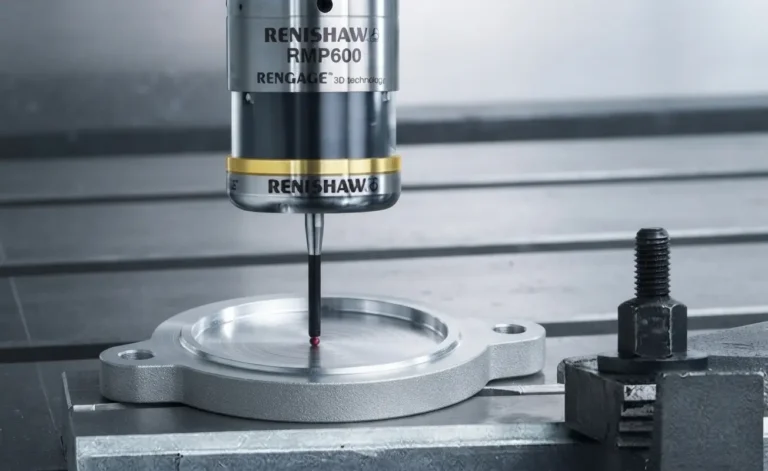
How often do you measure the geometry of your parts after you have nested and cut? it is crucial in the precision manufacturing industry to check that the external & internal contours of the part are not cutting too large or too small.
The answer lies with one of these 3 solutions:
1. Check your consumables on your machine, make sure they are not worn out or damaged.
2. If you are calculating the Kerf compensation on your machine control, double check that you are selecting the correct Kerf values. Make sure that your Tec tables have the correct values for your different materials and their respective thicknesses.
3. If you are letting SigmaNEST calculate the Kerf compensation make sure that the Kerf values in the Tec table have the correct values for the materials and their respective thicknesses.
Follow this quick guide to update the Kerf values in SigmaNEST Tec Table to get your machine cutting the highest precision components in no time.
- Select the ‘Technology Setup’ from the Tools Help tab.

- Select the ‘Machine Parameters’ tab in the Technology Setup dialog box.
- Expand the Machine you would like to update and Select ‘Primary Tec Table’.

- This will now display the Tec table which is used to specify the Feed rates & Kerf values for the different materials and their respective thicknesses.
- Select the appropriate material (and Power setting) to display its Feed rates & Kerf values. This has a very user-friendly interface, much like that of an excel spreadsheet.

- Lastly you can type in the correct values in Kerf column, make sure you type in the values so that they correspond to the correct thickness.
- Click okay to save your changes.
You can now create your Nests along with their NC codes and be rest assured that your machine is cutting the highest quality parts to a very high precision.