
SigmaDSTV SW
Seamless DSTV Conversion Directly from SOLIDWORKS
SigmaDSTV SW is a DSTV exporter plugin that runs inside SOLIDWORKS and generates NC1 files for beam line and beam coping machines. It enables structural steel designs created in SOLIDWORKS to be converted into fabrication-ready DSTV output without leaving the design environment.
What Is SigmaDSTV SW?
SigmaDSTV SW is a dedicated exporter built specifically for SOLIDWORKS. It converts structural models into DSTV files in NC1 format for beam processing equipment.
Because the plugin operates directly within SOLIDWORKS, the export workflow remains embedded in the same environment where the structural model is created. Structural parts, multibody components, weldments and assemblies can all be processed into DSTV format using the built-in exporter. The system automatically recognises profiles compatible with the NC1 standard, helping streamline file generation for structural steel fabrication.
SigmaDSTV SW Core Capabilities
SigmaDSTV SW focuses on reliable DSTV export, automated processing, profile recognition and configurable machine output from within SOLIDWORKS.
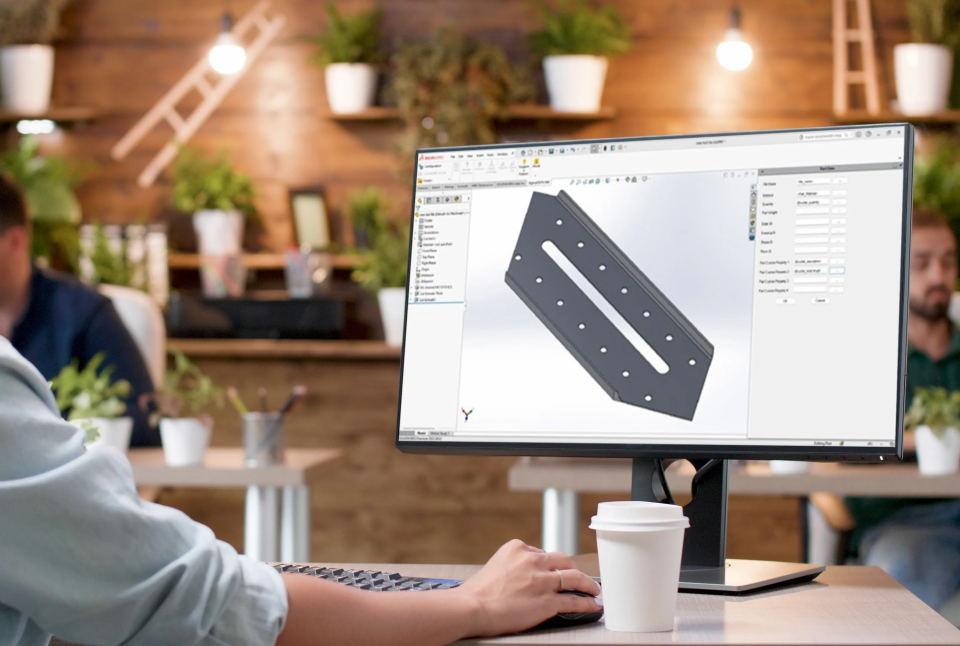
Smart and Automatic Conversion
SigmaDSTV SW generates DSTV files from native SOLIDWORKS models and supports a wide range of SOLIDWORKS file types.
Key Features:
DSTV files are generated directly from native SOLIDWORKS models.
Single parts, multibody parts, weldments and assemblies can be converted.
Profiles compatible with the NC1 format are recognised automatically.
Create files from:
Flat Plate
Round
Rectangular
Angle
Channel
I-Beam
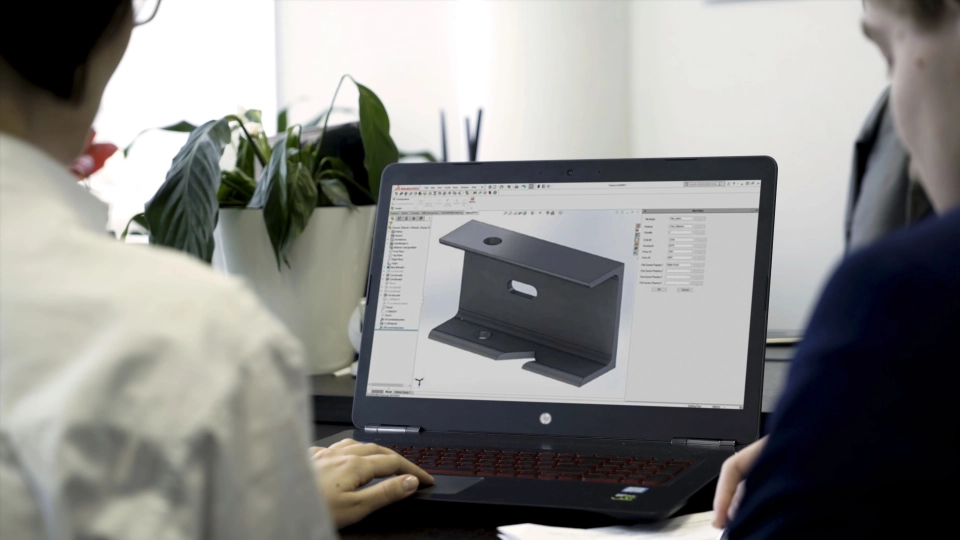
Fast Processing and Automation
SigmaDSTV SW includes features designed to simplify structural export workflows and reduce manual steps.
Key Features:
Major 2D and 3D files can be imported for part and assembly creation.
Automatic profile recognition separates structural steel parts from items like nuts and bolts.
Batch processing supports a fully automated workflow.
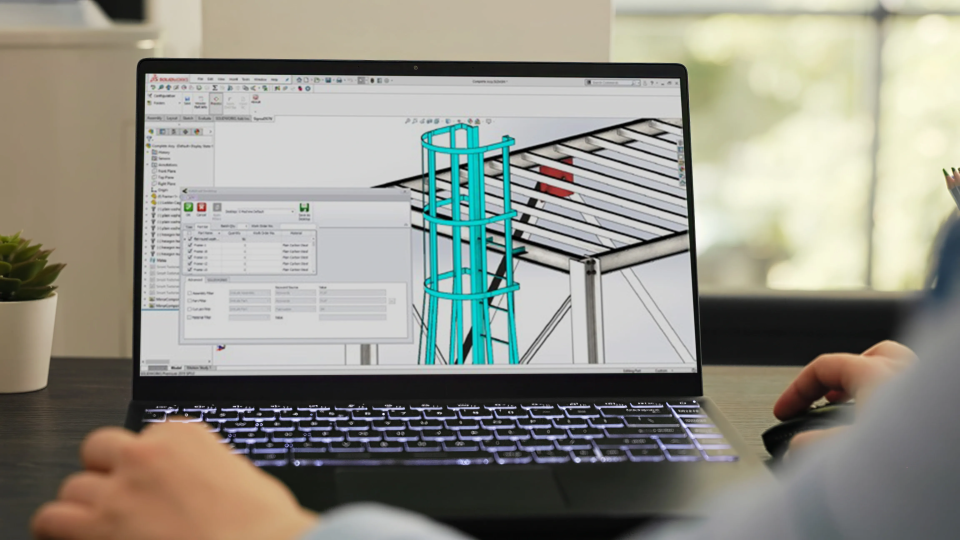
Direct CAD-to-Machine Workflow
SigmaDSTV SW includes the necessary functionality to move from CAD model to machine file efficiently.
Key Features:
Everything needed to go from CAD model to machine file is included.
Sketches can be recognised automatically as the marking process.
SOLIDWORKS part configurations can be detected and exported as NC1 files.
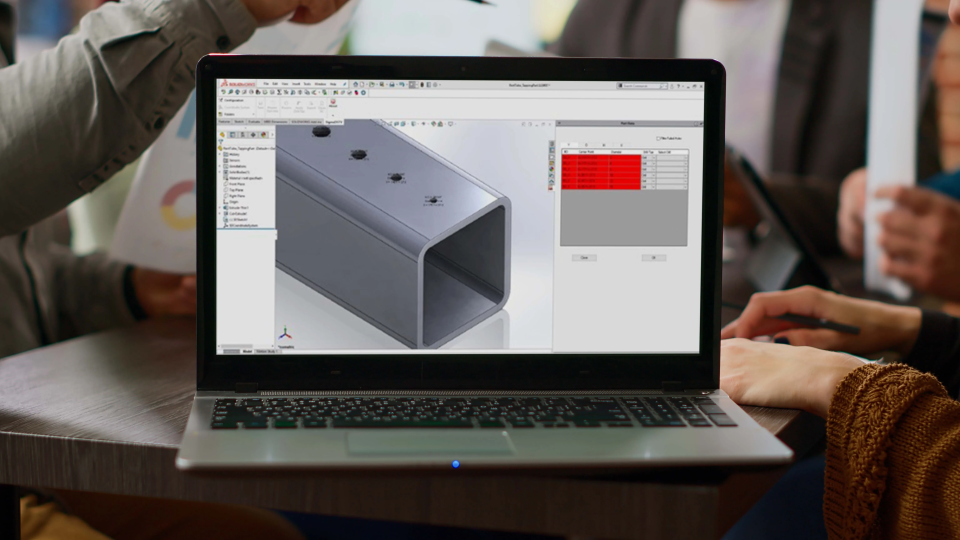
Customisable Machine Output
SigmaDSTV SW provides export options that allow files to align with beam line machine requirements.
Key Features:
Various views and header mappings can be exported to match beam line needs.
Geometry output options are configurable.
Lookup files for profile codes are editable to meet machine requirements.

Advanced Feature Recognition
SigmaDSTV SW supports recognition of modelling features and imported CAD data.
Key Features:
SOLIDWORKS parts, assemblies, multibody and cut list modelling are supported.
Feature recognition can convert parts not created with standard SOLIDWORKS modelling.
Imported STEP or IGES models can be converted using feature recognition technology.
Request a SigmaDSTV SW Quote
Frequently asked questions about SigmaDSTV SW
SigmaDSTV SW exports structural steel models from SOLIDWORKS into DSTV format. It generates NC1 files used by beam line and beam coping machines, enabling structural components to move from design to fabrication-ready format within the same workflow.
Yes. SigmaDSTV SW supports exporting single parts, multibody parts, weldments and complete assemblies. This allows structural projects modelled in different ways inside SOLIDWORKS to be converted into NC1 files without restructuring the design.
SigmaDSTV SW supports profile types including flat plate, round, rectangular, angle, channel and I-Beam. These profiles are recognised automatically when compatible with NC1 formatting requirements.
Yes. Batch processing allows multiple models to be exported automatically. This is useful when handling large structural projects that require consistent and repeated file generation.
Yes. Batch processing allows multiple models to be exported automatically. This is useful when handling large structural projects that require consistent and repeated file generation.
Yes. Feature recognition tools allow parts that were not originally created using standard SOLIDWORKS modelling to be processed. Imported STEP and IGES files can also be converted into NC1 output.
Yes. SigmaDSTV SW allows configurable geometry output, header mappings and editable profile code lookup files so that exported files can match specific beam line machine requirements.
Connect with us
Curious about something?
We’re here for you! Whether it’s about our SigmaNEST products or training, let’s connect and start a conversation.